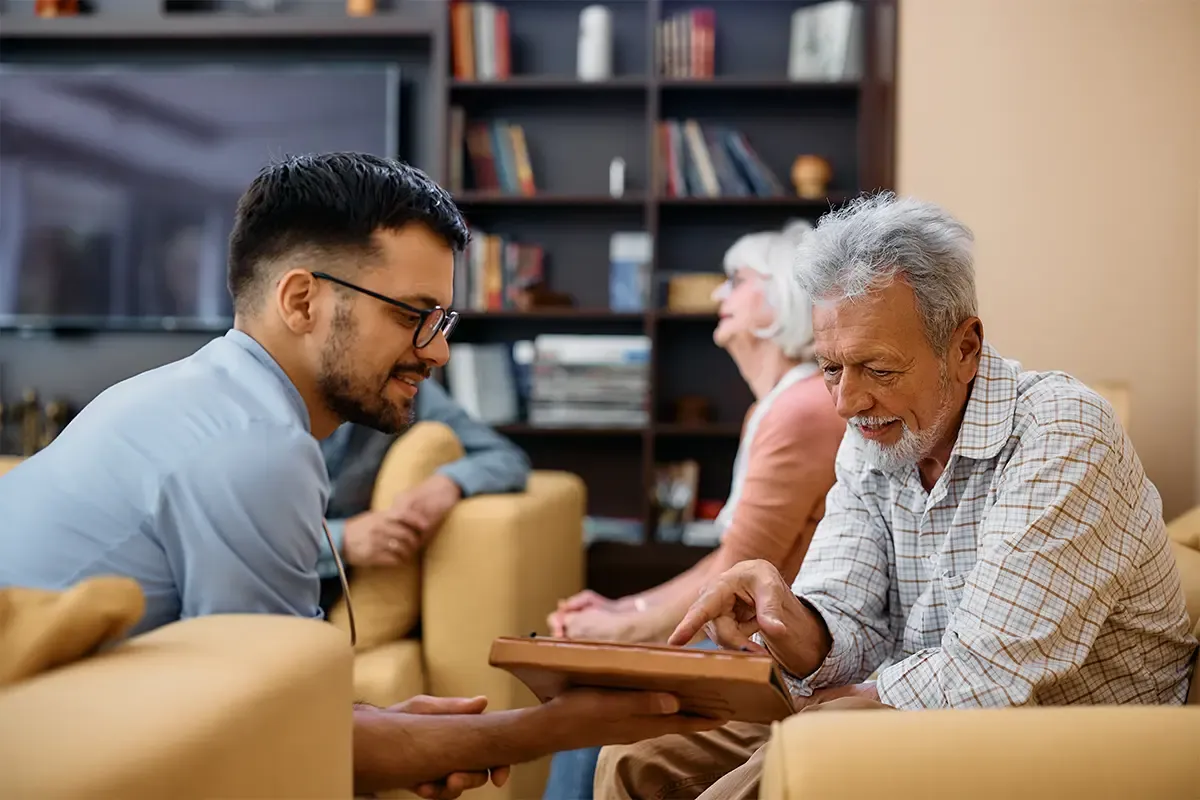
Tablets in nursing save time when nurses use them to document right at the bedside instead of at the ward computer after their round. That takes three things: documentation software with a good mobile app, Wi-Fi in every corner, and devices that are managed centrally and swapped quickly. You can hand the device side over to a Device as a Service provider like Everphone.
The pressure is real. A study in 14 German care facilities found that up to a third of working time goes into documentation. Which is, frankly, madness. At the same time, German law now demands digital processes: care facilities must be connected to the national health data network, and hospitals face payment deductions without digital nursing documentation.
Our view: a tablet saves a great deal of time when it replaces the walk to the nurses' station. But the devices also have to be set up for the job. Otherwise they end up unused in a cupboard somewhere.
Why nursing documentation takes so much time
The biggest time sink isn't typing, it's catching up. A nurse takes a blood pressure reading in room 12, jots it on a slip of paper or keeps it in their head, and enters it at the computer later. Every value gets handled twice.
Then there's the walking. The ward computer is in the nurses' station, and two colleagues are often already waiting there. Whoever catches up on everything at the end of the shift goes home late or leaves gaps in the record.
A time-motion study from long-term care, published in 2026 in the Journal of Medical Internet Research, shows how big the lever is. Researchers observed 52 registered nurses over 770 hours. After a mobile voice assistant was introduced, documentation time per early shift fell by around 15 minutes, roughly 28 percent.
One caveat: what was measured was software on mobile devices, not the tablet itself. The device is the carrier. The time saved comes from the workflow it makes possible.
Which device suits which nursing task
Not every nursing task needs a tablet. An 11-inch tablet doesn't fit in a tunic pocket, a smartphone does. So the question is: what gets documented where?
| Device | Strengths | Weaknesses | Best for |
|---|---|---|---|
| Smartphone | Always at hand, fits a tunic pocket, calls and messaging | Small screen for care planning and wound documentation | Vital signs, short entries, voice documentation, being reachable |
| Small tablet (about 8 inches) | Light, often fits a pocket, easy to read | Awkward for long texts | Bedside documentation, medication checks, wound photos |
| Large tablet (11–13 inches) | Plenty of screen, good camera, keyboard possible | Gets put down and forgotten, has to be carried | Care planning, handovers, ward rounds, talks with relatives |
| Ward-round trolley with laptop | Large screen, full keyboard | Heavy, can't go into every room | Doctors' rounds, lengthy entries |
Our recommendation for most wards and residential units: smartphones for everyone who works at the bedside, plus a few tablets per unit for care planning and wound documentation. A tablet-only strategy has a practical problem: the device is on the care trolley when you need it in the room.
Rolling out tablets for nurses in eight steps
A rollout works when you plan from the workflow, not from the device. Here's how:
- Define the workflow. Which entries should be made at the bedside from now on? Vital signs, repositioning, medication, wound documentation? Write it down for each unit.
- Check the documentation software. Does your system have a mobile app that caches data offline? Without one, the tablet is just a browser window with a loading bar.
- Survey the Wi-Fi. Every room, every corridor, the bathrooms too. Every dead spot sends nurses back to paper.
- Choose the device class. Smartphone, small or large tablet, depending on the task (see the table above). Add cases that can be disinfected.
- Set up management. Every device goes into mobile device management before it reaches the ward.
- Start with a pilot ward. Four to six weeks, with a contact person from nursing, not from IT.
- Plan charging and spares. Fixed charging spots, one spare device per unit. A broken tablet must not be missing until next week.
- Train, and keep it short. 30 minutes on the real device with real cases beats any slide deck.
Step 6 matters most. The pilot ward shows you whether the software works at the bedside before you order a hundred devices.
Managing shared tablets securely across shifts
Tablets in nursing are almost always shared devices. With rotating shifts and floating staff, the rule is: the device belongs to the ward, not to the person. Your device management has to reflect exactly that.
For iPads, the answer is Shared iPad: several employees sign in to the same device with their own managed account. According to Apple, this requires a supervised iPad, a device management solution and Managed Apple Accounts. Android Enterprise offers comparable modes for shared devices.
Without central management, patient data ends up on devices nobody keeps track of. With proper tablet management you can lock lost devices remotely, distribute apps and enforce updates. Private devices have no place in patient care.
When it comes to hygiene, the case decides. Agree with your infection control lead which disinfectants are approved, and check them against the manufacturer's specifications for device and case. Only then does the tablet go into the disinfection plan.
Funding and obligations for digital nursing documentation in Germany in 2026
In Germany, long-term care insurance funds digitalisation in care facilities with up to €12,000 per facility. Under Section 8(8) of Book XI of the Social Code (SGB XI), it covers 40 percent of the costs, and applications are possible until 2030 (overview by Der Paritätische, in German). The funding covers one-off purchases of digital equipment, including setup and training.
This funding targets purchase and setup. Whether ongoing rental costs are partly eligible is something to clarify with your care insurance fund beforehand.
Since July 1, 2025, outpatient and inpatient care facilities in Germany must be connected to the telematics infrastructure (TI), the country's secure health data network. Mobile devices are what make the TI usable day to day, because information arrives where care happens.
For hospitals, the Hospital Future Act (KHZG) applies. Without digital nursing and treatment documentation, hospitals face a deduction of up to 0.6 percent per case, according to Rödl & Partner. From 2027, what counts is no longer just whether the system exists, but whether it is used.
This is exactly where tablets help: a system that only runs in the nurses' station gets used less than one that is within reach at the bedside.
What ten minutes less documentation per shift adds up to
Take a ward with 20 nurses. Each works around 220 shifts a year. We assume that mobile documentation saves ten minutes of catching up per shift. That's deliberately less than the 15 minutes from the JMIR study.
| Assumption | Value |
|---|---|
| Nurses on the ward | 20 |
| Shifts per person per year | 220 |
| Saving per shift | 10 min |
| Saving per year | 44,000 min ≈ 733 h |
That's more than 700 hours a year that can go back to patients or residents. On paper, it's almost half a full-time position. Whether the numbers work out for you depends on the software and the Wi-Fi, not on the tablet.
When tablets in nursing pay off and why renting makes sense
Tablets pay off for any facility that has or is introducing mobile documentation software. They don't pay off as long as documentation only happens at the ward computer. Then you're buying devices for a workflow that doesn't exist yet.
The funding makes buying look attractive at first glance. In the long run, though, it's not the purchase that costs money but the operation, whether you have ten tablets or 500. Who replaces the tablet with the cracked screen? Who keeps updates current? Who wipes data securely when devices are retired?
With rented tablets through Device as a Service, you hand exactly that over. At Everphone, damaged devices are replaced as part of the service. The devices arrive preconfigured in device management, and after return the data is wiped with a certificate. Your IT team looks after the documentation software and the Wi-Fi, not screens.
Our recommendation: start with a pilot ward and do the maths afterwards, not before. Then you'll know how many devices you really need.
Frequently asked questions
Can nurses use their own smartphones for documentation?
It's not advisable. Patient data on private devices is hard to control, and messengers like WhatsApp are unsuitable for health data. Company devices in device management are the safe way.
How many tablets does a ward need?
It depends on the workflow. If smartphones handle the short entries at the bedside, two to four tablets per ward are often enough for handovers and wound documentation, plus one spare. The pilot phase will show you the exact number.
Can tablets used in nursing be disinfected?
Yes, with a suitable case. What matters is that case and device are approved for the agents in your disinfection plan. Agree this with your infection control lead before the rollout.
What funding is available for tablets in German care facilities?
Under Section 8(8) SGB XI, care facilities in Germany can receive up to €12,000 per facility, as a grant covering 40 percent of the costs. You apply to your care insurance fund, with applications possible until 2030.
What happens if a tablet goes missing on the ward?
If the device is in device management, you lock or wipe it remotely. Without management, all you can do is hope nobody reads the data. With devices rented from Everphone, a loss is charged at the current value according to the residual value table.