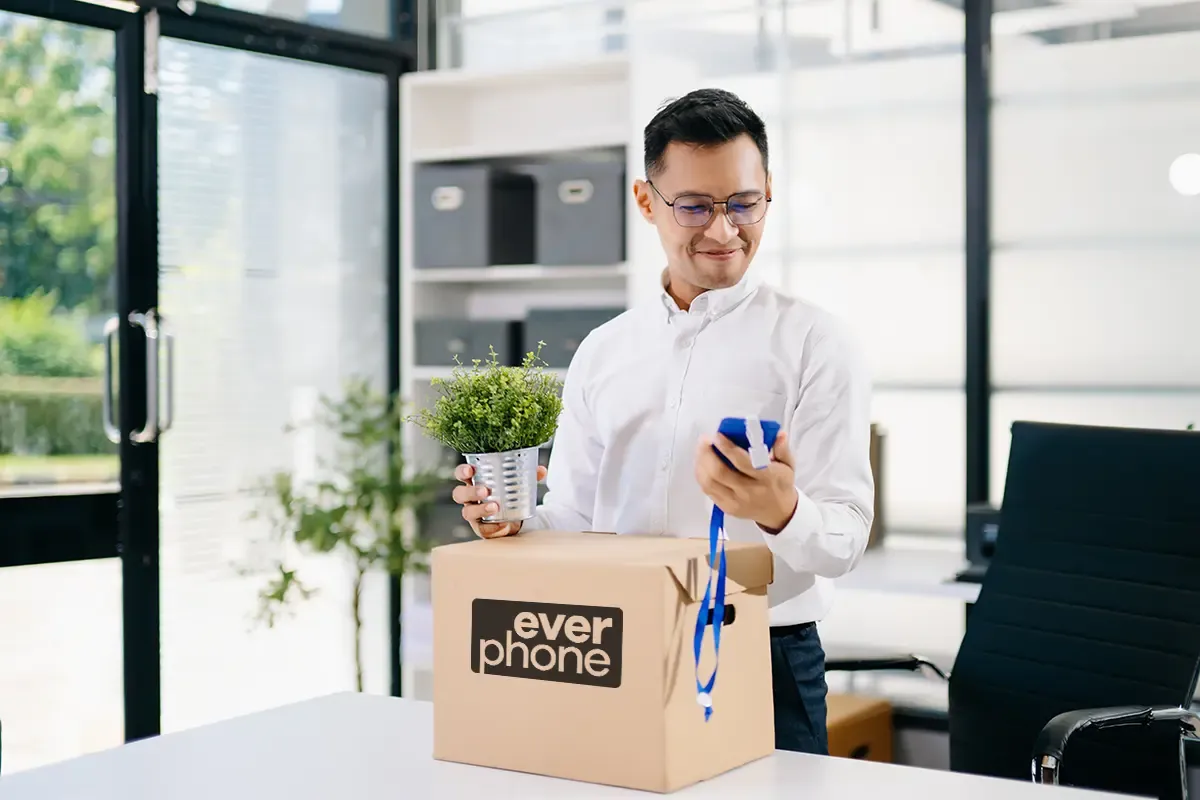
Automating device provisioning for onboarding means a new hire's HR record triggers the order for their work devices on its own. The supplier, for example a Device as a Service provider like Everphone, ships a preconfigured laptop and smartphone to the office or to their home. On day one, the person signs in and the device sets itself up.
You don't need a big IT project for this. You need a rule for which role gets which devices, and a supplier that follows it without asking back.
The bottleneck is almost never the technology. It's the handover between HR and IT: who tells whom, and when? That handover is exactly what automation takes off your plate.
How devices for new hires are usually ordered
In many companies, the order hinges on an email. HR sends the IT team the name, start date and department. IT asks which device it should be, orders from a reseller and sets up the laptop by hand once it arrives.
Every one of these steps is a handover, and at each one something can get stuck. The email lands in the inbox of someone who's on holiday. The department is missing. The model is out of stock. The whole thing can get quite complicated.
In the end, the new colleague spends their first day with an old loaner from the cupboard. Or with no laptop at all, because it's still being set up. That's more than a cosmetic flaw. It's the worst-case scenario for onboarding.
The onboarding nightmare: an empty desk and a long face
If you've ever been through it, you know the impression it leaves. As a new employee, you sit in front of an empty desk with nothing to do but look decorative. It also leaves you seriously doubting how organised and efficient the company you've just joined really is. And all that on your very first day.
In Germany, according to studies by XING/Appinio and recent industry reports, around 50 percent of all employees who leave a new job do so within the first year or during the statutory probation period.
A laptop delivered on time won't prevent a resignation. But a missing device shows on day one how disorganised the new employer is. And that bad first impression is hard to undo.
How automated device provisioning works, from HR record to day one
Let's take an example: Jonas starts as a project manager on December 1 and works mostly from home. This is how he gets his devices when provisioning is automated.
- HR creates Jonas in the HR system, with role, start date, cost centre and delivery address. For HR, that's the only step.
- The record creates the order. The role "project management" stands for a defined device bundle, such as a 14-inch laptop and a smartphone.
- The supplier prepares the devices. It registers the laptop in Windows Autopilot or, for Macs, in Apple Business, which links it to your MDM. The smartphone is enrolled in the MDM too.
- The devices arrive at Jonas' home address in good time. Status and serial number flow into your system, so the device is matched to the right person from the start.
- On day one, Jonas switches on the laptop and signs in with his company account. The device pulls policies and apps from your MDM by itself.
IT no longer appears in this process. Its work happens beforehand: it has defined once which role gets which bundle.
Registration is what makes this possible. At Microsoft, Windows Autopilot lets devices go straight to users without IT ever touching them. Apple offers the same with Automated Device Enrollment, and Google with zero-touch enrollment for Android.
The difference from the email process at a glance:
| Step | Without automation | With automation |
|---|---|---|
| Trigger the order | HR emails IT | The HR record triggers the order |
| Choose the device | IT checks with the manager | A device bundle per role is on file |
| Set up | IT installs everything by hand | The device sets itself up at first login |
| Shipping | IT ships it or leaves it on the desk | The supplier ships to the office or home |
| Inventory | Someone adds the serial number later | Device data comes back automatically |
What HR and IT need to agree on once, up front
Automation only carries out decisions someone has already made.
It's best to settle these four points together before the first record triggers an order.
- Device bundles per role. Start with a few bundles, for example office, sales, engineering and field service.
- Mandatory fields in the HR record. Without a role or delivery address, no order can go out. Make these fields mandatory before a record counts as complete. If these orders run through the Everphone portal, the user enters their preferred address themselves.
- Lead time. Decide how many days before the start date the order is placed. At Everphone, we recommend ordering two weeks before the planned start date; for some laptop models, three weeks of lead time can make sense. For short-notice starts, larger organisations for which we keep a depot can simply activate one of the depot devices.
- Freedom of choice. Should new employees choose their own device? With Choose-your-own-Device, they get a welcome email and pick from a defined range, with an optional personal top-up payment. The order then only starts once they've made their choice.
The role of Device as a Service in onboarding
An automated order doesn't help much if someone in the warehouse then sets up every device by hand. Device as a Service shifts exactly this part to the provider: procurement, preconfiguration and shipping, and later replacement and returns too.
With Everphone, you rent laptops, smartphones and tablets for a monthly fee. Laptops arrive fully registered, and shipping to the office or any address you choose is free.
What happens if someone doesn't make it through probation? The device goes back to Everphone for a fee of three months' rent, and the rental ends; no further instalments are due. Alternatively, it can be reassigned to another employee free of charge.
A laptop you bought, on the other hand, would stay in your inventory. Why good onboarding also saves money is covered in our article on the cost of hiring new employees.
Portal, ITSM or HR system: where the order is triggered
Which route fits depends on where onboarding starts in your company today.
In the portal: HR or IT orders in the Everphone portal in a few clicks.
Via ticket: If onboarding starts as a ticket, for example in ServiceNow, your IT connects the workflow to the Everphone API. The ticket then sends the order to us automatically. Our article on the laptop ordering API explains how it works.
From the HR system: Your HR system creates new employees via the API. They receive a login link by email and choose their device themselves in the portal. Alternatively, the system orders directly via the API.
The portal and the API work on the same data. The page on integration options gives an overview.
Common pitfalls in automated device provisioning
Most problems don't arise in the interface itself, but before and after it.
Late HR records. Automation is only as fast as the record. If the contract only reaches the system a week before the start date, even the best integration won't help. Rule: create the record right after signing.
No company account yet. The device may arrive before the account exists. But the account has to be ready by the first sign-in at the latest, otherwise the laptop can't load any policies.
Only joiners are automated. Then the assignment is right on day one, but wrong again after a role change or when someone leaves. Link those events to device swaps and returns as well.
Who automated device provisioning is worth it for
Automate as soon as new hires are no longer a one-off. If you hire every month, every onboarding costs you time on follow-up questions, retyping and filling in gaps. That's time IT doesn't have for everything else.
If you only hire two or three people a year, the portal with predefined bundles is enough. You get the same preconfigured devices, just without an integration.
If you'd like to see what this could look like with your systems, the Everphone team is happy to walk you through the process, from order to return.
Frequently asked questions
How far ahead of the first working day should I order devices for new employees?
Trigger the order as soon as the signed contract is in the HR system. With Everphone, plan for two to three weeks, depending on the device type and model. If ordering is automated, nobody has to remember the deadline.
How do new employees working from home get their work devices?
Everphone ships the devices either to one of your company locations or to the user's home address. Because the laptop is registered in Windows Autopilot or Apple Business, it sets itself up at first login. IT never needs to have it in hand beforehand.
What happens to the device if someone resigns during probation?
With rented devices, the person sends the device back. Everphone wipes the data with certification and refurbishes the device. A device you bought would stay in your inventory.
Do I need an API to automate device provisioning?
No, it works without one. The API pays off if onboarding already starts as a ticket or in the HR system and happens regularly.
Can the laptop be shipped before the company account exists?
Yes. Shipping and account creation don't depend on each other. But the account should be active at the first sign-in so the device can load policies and apps.