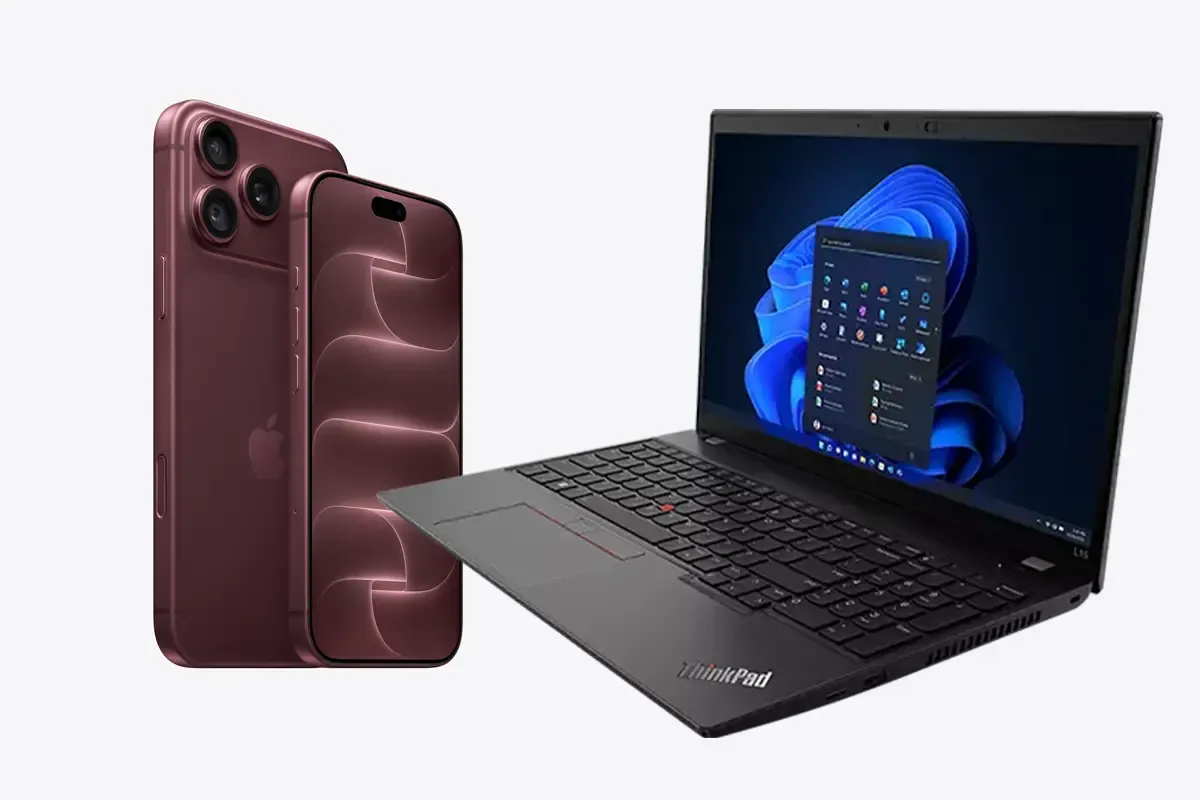
Device as a Service (DaaS) provides devices as a service, mainly smartphones, tablets and laptops, including rollout, replacement and return.
Workplace as a Service (WaaS) extends this to the entire workstation: desktop PCs, workstations, monitors and accessories. With a Device as a Service provider like Everphone, both run under the same service level.
So the difference lies in the scope of hardware, not in the principle. Both replace buying or leasing with a monthly rental fee, and the provider takes on the work around the devices.
Our view: the label tells you little about what you actually get. On the market, "DaaS" and "WaaS" mean different things depending on the provider. What counts is which devices and which services are in the contract.
Device as a Service and Workplace as a Service compared
The short answer: DaaS is built around mobile devices, WaaS around everything that sits on a desk. The table shows how Everphone splits the two services. As you can see, they overlap – the two terms can't be separated cleanly. What matters is that both aim at the same "as a service" way of procuring hardware.
| Device as a Service | Workplace as a Service | |
|---|---|---|
| Devices | Smartphones, tablets, laptops | Laptops, desktop PCs, workstations, all-in-one PCs, convertibles, monitors, accessories |
| Configuration | Preconfigured via MDM, ready to use out of the box | Staging including Autopilot registration and BIOS settings |
| Replacement if defective | New device instead of a repair loop | Same |
| Return | Certified data wiping, refurbishment | Same |
| Service level | One SLA | The same SLA |
The last row is the most important. At Everphone, a smartphone gets the same service as a notebook.
For you, this means you don't choose between two models. You simply decide which devices you rent.
What Device as a Service covers
Device as a Service bundles hardware, device management software and operations into one subscription. TechTarget describes it as a model in which PCs, smartphones and other mobile devices are provided as a paid service.
The provider takes over the steps that would otherwise land with your IT team: procurement, configuration, shipping, support during use, replacement and data wiping at the end. That is exactly what separates DaaS from leasing, which usually stops at financing.
An example: a sales rep drops her iPhone and the display cracks. With DaaS, she orders a replacement through the Everphone portal. It arrives set up, and the old one goes back. Your IT team never sees a ticket.
https://youtube.com/shorts/fZAGCDMdcpc?si=dgZBQ5dwvsVgsGUu
Which services are part of Workplace as a Service
Workplace as a Service applies the same logic to the whole workstation. Besides laptops, it adds devices that don't fit in a jacket pocket: tower PCs, small form factor and mini PCs, workstations, monitors, docking stations, keyboards and headsets.
At Everphone, the service includes:
- Procurement across manufacturers, for example Apple, Samsung, Google, Dell, HP and Lenovo
- Staging before shipping, including Autopilot registration for Windows notebooks
- Free shipping to the office or to any address you choose
- Replacement and support through the Everphone portal, at no extra cost and without internal approval
- Collection directly from employees, certified data wiping and refurbishment
This makes WaaS the all-in-one solution for workstation hardware. New hires find their laptop, monitor and headset ready on day one. Leavers send everything back in a single parcel.
The basics of the model – renting instead of buying, costs and scaling – are covered in the article Workplace as a service: rent, don't own. The services in detail are on the Workplace as a Service page.
Why the terms blur on the market
The terms aren't protected, and every provider uses them differently. You'll run into three mix-ups particularly often.
First, software. Some definitions include the operating system, Office licences and cloud services in WaaS. The German IT trade magazine IP-Insider, for instance, describes WaaS as a complete workstation with hardware, software and services. Other providers mean only the hardware and its operation. At Everphone, we optionally offer dedicated software for running your device fleet efficiently and securely (mobile device management, mobile threat defense), but not productivity apps.
Second, the acronym. "DaaS" also stands for Desktop as a Service, meaning virtual desktops from the cloud. That's a completely different product. The article Desktop as a Service vs. Device as a Service explains the difference.
Third, manufacturer terms. Dell talks about PC as a Service, while HP and Lenovo call similar offerings DaaS. They usually mean the same thing: laptops and PCs on a subscription.
How to check an offer, whatever it's called
Instead of asking about the name, check the content. These five questions clarify in one conversation what an offer actually delivers:
- Which device types are covered? Only smartphones, laptops too, or also desktops and accessories?
- Who configures the devices before shipping, and do they arrive ready to use?
- What happens if a device breaks: a replacement device or a repair with a waiting time?
- Who collects devices when people leave, and do you get a data wiping certificate?
- Is software part of the contract? If so, which software, and what happens to the licences if you cancel?
If a provider answers question three with a flat repair fee, it's closer to leasing with extras. There's nothing wrong with that, but it isn't a service that takes work off your IT team.
Who Workplace as a Service is for
Workplace as a Service pays off as soon as your employees need more than a smartphone. That applies to companies of any size. Three situations are typical.
You run a mixed fleet: smartphones from one provider, laptops from an IT reseller, monitors from an electronics store. Each source has its own onboarding steps. With WaaS, you have one partner, one contract and one SLA for all devices.
You hire often or have a lot of turnover. Every new hire then means ordering, setting up and shipping a laptop, monitor, dock and headset.
With WaaS, everything arrives fully configured at the address you choose. How this works together with the HR record is shown in the article on automating device provisioning for onboarding.
You don't want to write off your existing laptops. With Buy-and-rent-back, Everphone buys them from you and adds them to the service. The devices stay with your employees.
Companies with up to 250 employees order directly in the Everphone shop. For larger organisations, the Everphone team clarifies in a short call which devices belong in the contract. Whether renting pays off for you is covered in the article Is Device as a Service worth it?.
Frequently asked questions
Is Workplace as a Service the same as Device as a Service?
No, but both follow the same principle. Device as a Service mainly covers mobile devices, Workplace as a Service the whole workstation with desktops, monitors and accessories. At Everphone, the same service level applies to both.
Are software licences part of Workplace as a Service?
That depends on the provider. Some bundle the operating system and Office licences, others only hardware and operations. Before signing, ask exactly which software is included and what happens to the licences if you cancel. At Everphone, you can add MDM licences and mobile threat defense licences.
Do I need two contracts for smartphones and laptops?
Not with Everphone. Smartphones, tablets, laptops, PCs and accessories run under one contract and one SLA. That saves you duplicate steps in onboarding and replacement.
Can I move existing devices into Workplace as a Service?
Yes. With Buy-and-rent-back, Everphone buys your existing devices and adds them to the service. Your employees keep working without interruption, and the devices are later swapped for new ones as needed.